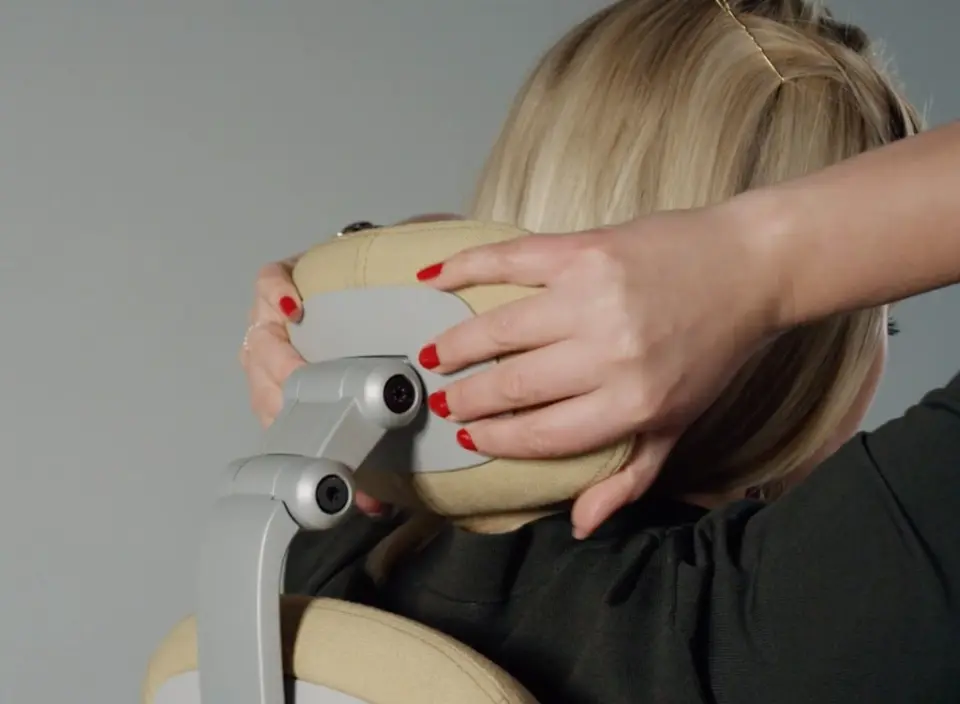
1. Seat height
Use the lever on the right-hand side under the seat. Raise or lower the chair until your feet rest firmly on the floor or on a footrest. Ideally, your knees are in an open angle slightly greater than 90°. Rest your arms comfortably on the desk, without lifting your shoulders.
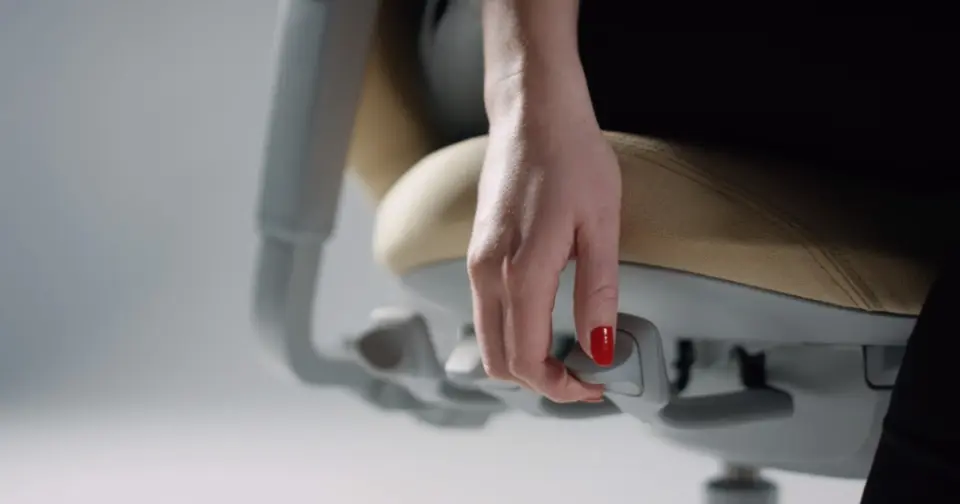
2. Seat depth
Use the second lever on the right under the seat. Slide the seat forward or backward until it feels right. Your seat depth is correct when there is about 3 fingers (or a fist) of space between the front of the seat and the back of your knees. This gives you enough support without pressure behind your knees.
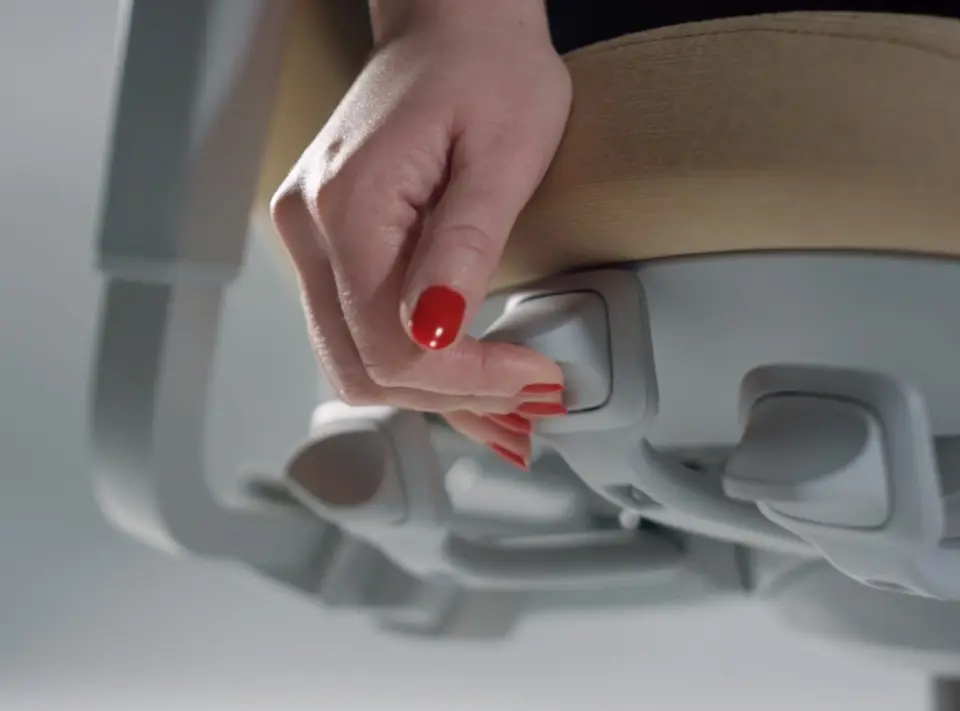
3. Backrest angle
Use the third lever on the right under the seat. Hold the lever and lean your upper body slightly backward or forward. Release the lever at the angle that feels comfortable. The backrest will stay in that position.
Tip: choose a light, open angle rather than sitting completely upright. This usually feels more comfortable during long workdays.
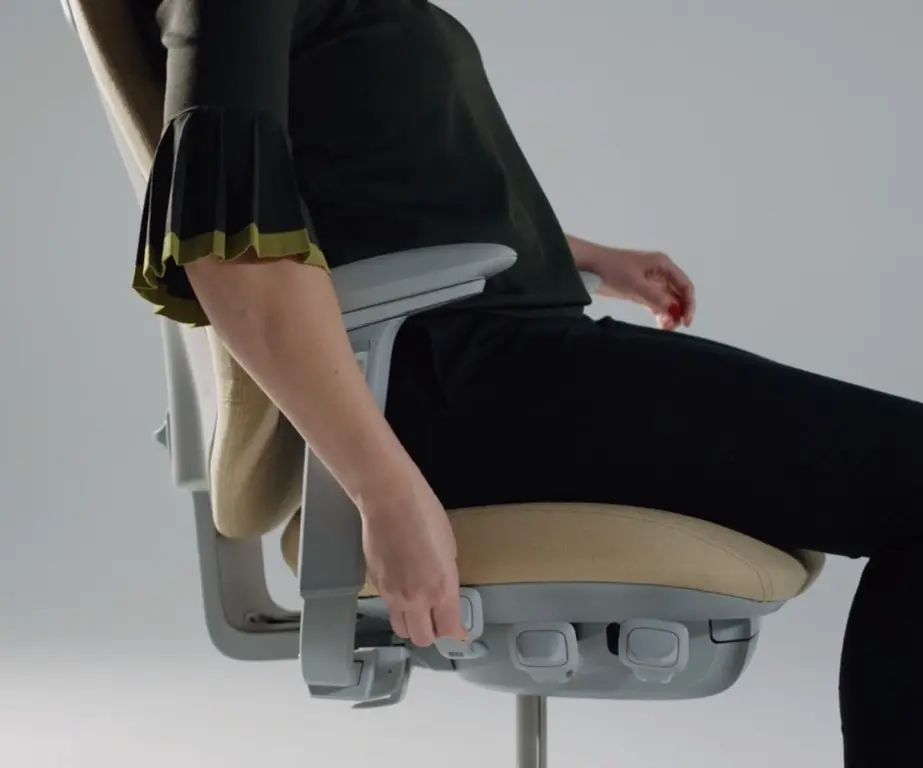
4. Backrest height
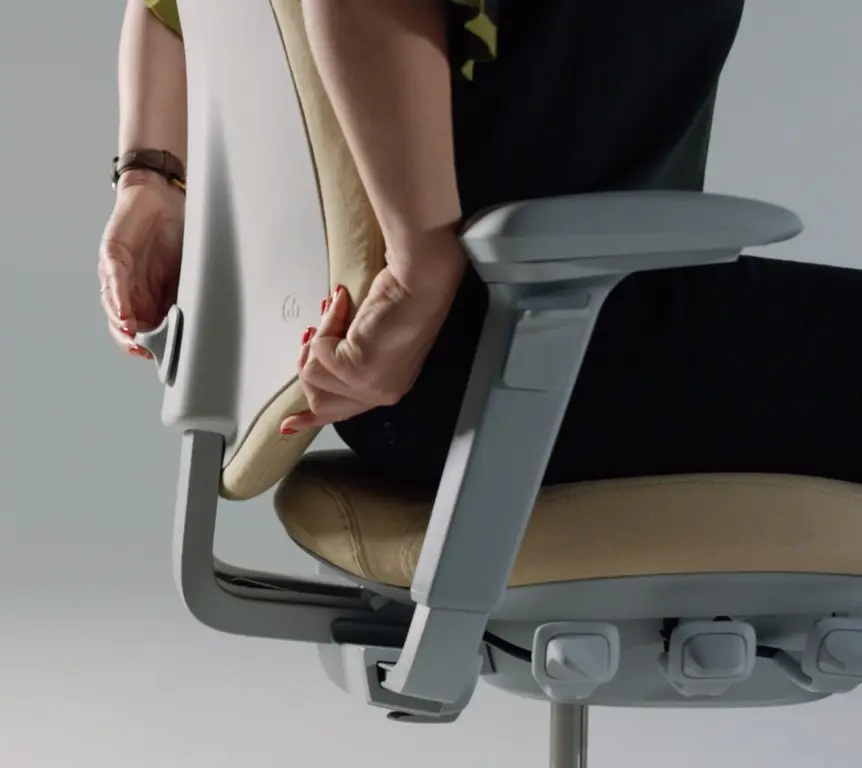
Adjust the backrest height using the button located at the rear of the backrest.
Push the button upward and hold it while sliding the backrest up or down. Release the button once the correct height is reached to lock it in place.
You are sitting correctly when the lumbar support fits comfortably into the natural curve of your lower back.
5. Tilt resistance
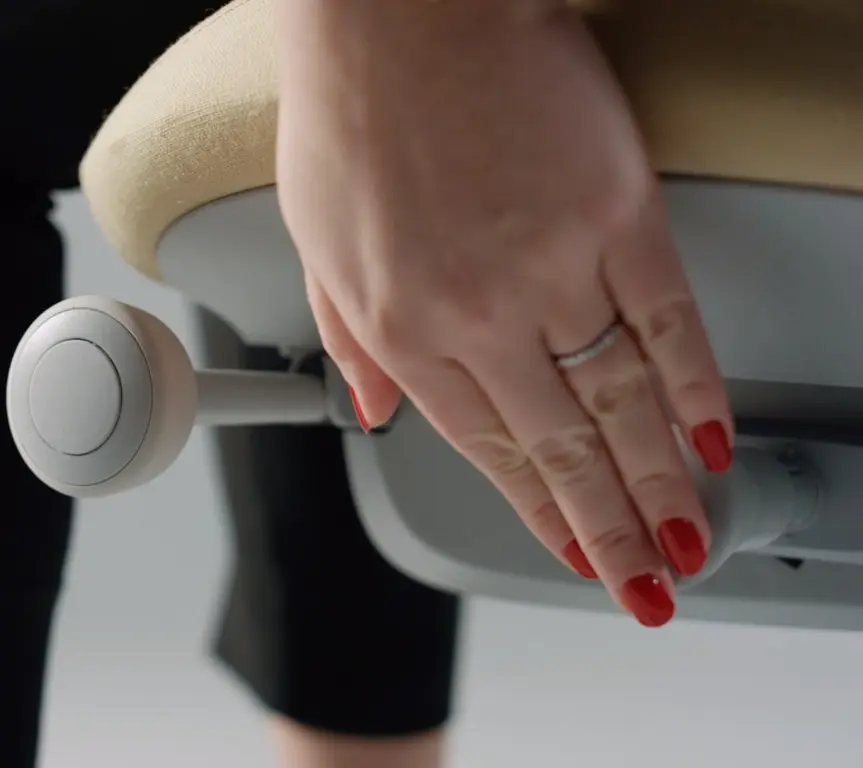
Use the adjustment knob on the left under the seat to set the resistance of the movement. Turn forward = less resistance (lighter). Turn backward = more resistance (heavier).
6. Lock the tilt mechanism
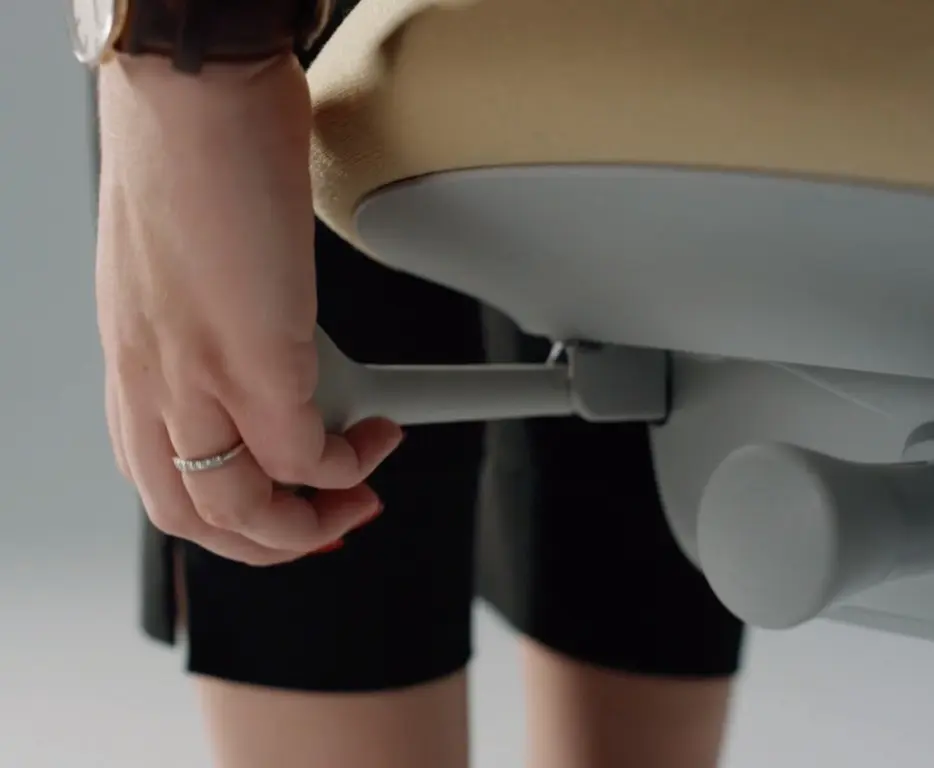
If you wish to temporarily block movement, use the rear lever on the left under the seat. Push the lever in to lock the mechanism. Pull it out to return to dynamic sitting.
Tip: we recommend keeping the chair in motion most of the time. Dynamic sitting is better for your body than sitting “locked” all day.
7. Armrest height
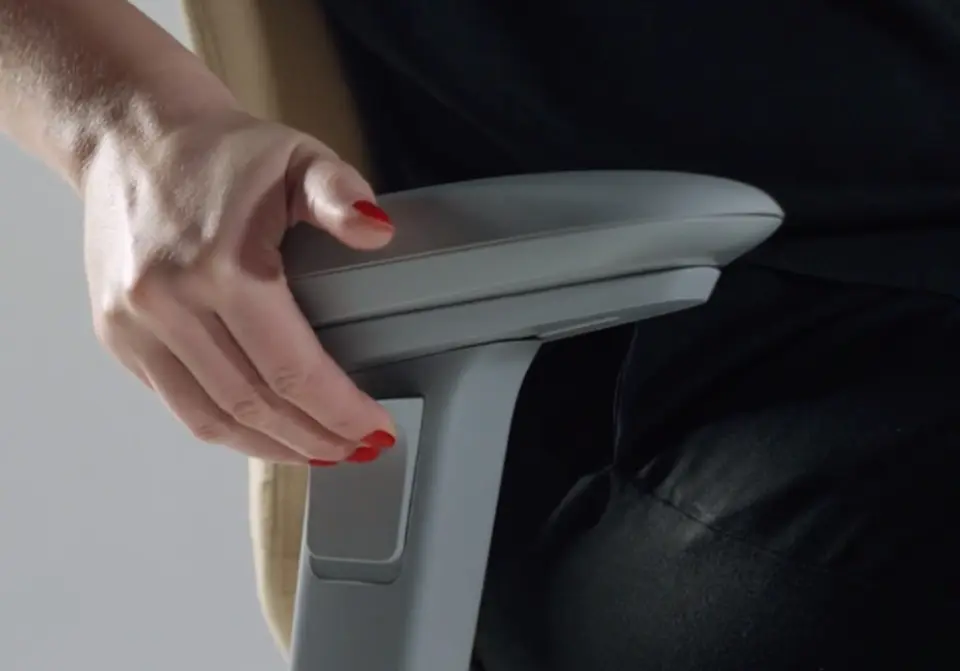
Adjust the height using the release button on the outside of the armrest. Slide upward to the desired height and release to lock.
Armrests are correctly positioned when your forearms rest comfortably and your shoulders remain relaxed.
8. Armrest width
Adjust the width using the lever underneath the armrest bracket.
Open the lever to move the armrests inward or outward. Close the lever to lock them in position.
Correct width allows your forearms to rest comfortably while your upper arms stay close to your body without pushing your shoulders inward or outward.
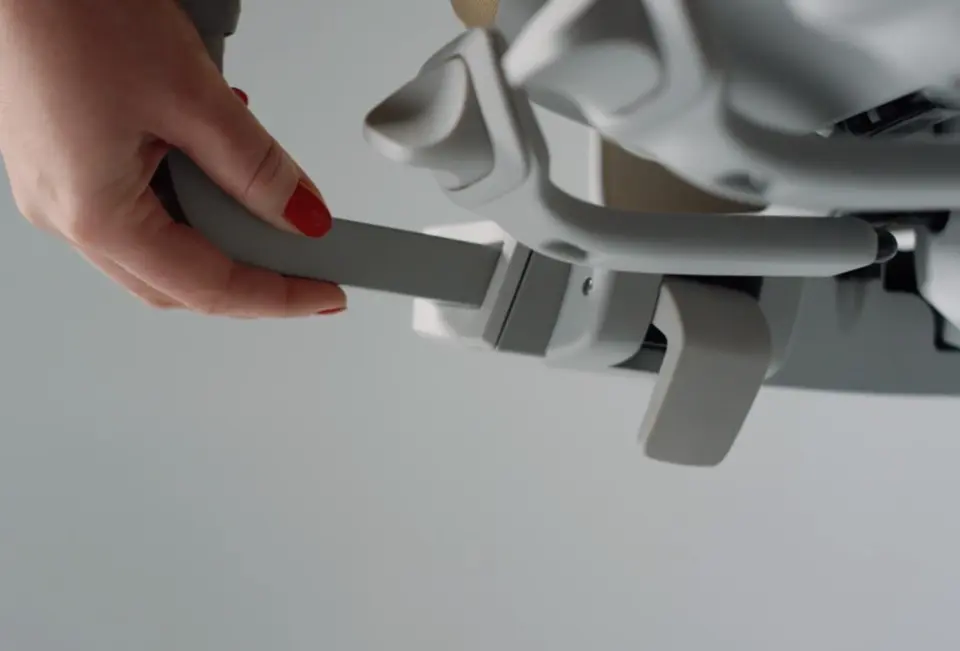
9. Headrest (Optional)
The headrest is adjusted manually.
Slide it up or down for correct height. Adjust depth or angle by gently tilting it by hand.
The headrest is correctly positioned when it supports the back of your head without pushing it forward. It provides additional support during short breaks or when reclining.